
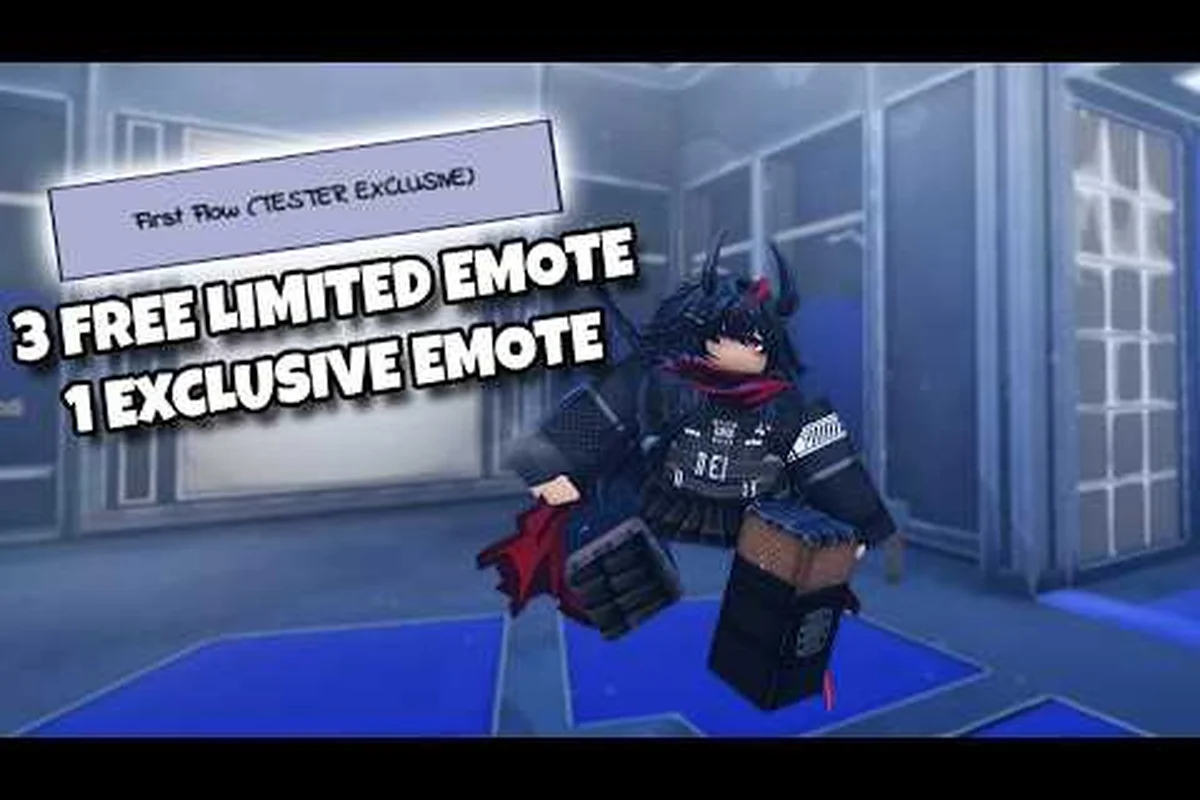
Keeping a clean, current Azure Latch all codes list is the fastest way to bank free Style Coins, Cash and emotes without spending Robux. This guide lists every code the developer currently has live, walks through the exact redemption flow, explains the group and like requirements that make a good code fail silently, and troubleshoots the most common code-not-working errors. Everything here is taken from the developer's own information: the official Azure Latch Trello board, the Roblox experience page and the official Discord. We deliberately do not reprint retired codes, because typing a dead string is the main reason players conclude that a working code is broken.
The Active Azure Latch Code List (October 2026)
Six redeem codes are confirmed working, and every one of them has the same two prerequisites: you must be a member of the official Roblox group [B:S] Azure Latch Team and you must have liked the experience. Skip either step and redemption fails silently, which is the single most common reason a good code appears broken.
| Code | Reward | Prerequisites | Status |
|---|---|---|---|
| NELMASTERY | 10,000 Style Coins + 15,000 Cash | Group + like | Active |
| KAISERISNEXTWEEKNOWORRIES | 10,000 Style Coins + 15,000 Cash | Group + like | Active |
| BAROUTSPECIAL | 5,000 Style Coins + 5,000 Cash | Group + like | Active |
| MAYBE | 2,500 Style Coins + 3,400 Cash | Group + like | Active |
| BROTHERNOAH | Brother Noah emote | Group + like | Active |
| MYANIMEFANSMAN | My Anime Fans Man emote | Group + like | Active |
Six entries is the whole live list. Read the rewards carefully before you start typing: two of the six pay emotes rather than currency, and the four currency codes do not all pay the same amount. The developer's board is the only place codes are published, and it is also where retired codes are marked, so it is always worth checking there before you trust a list you found somewhere else.
Why Only Six Codes Are Live Right Now
The short list reflects the game's release rhythm rather than a code system winding down. Azure Latch ships on a monthly update cadence, and the codes on the board change with those updates, so a list that was right a patch ago can be wrong today. The two emote codes — BROTHERNOAH and MYANIMEFANSMAN — are cosmetic, while the four currency codes — NELMASTERY, KAISERISNEXTWEEKNOWORRIES, BAROUTSPECIAL and MAYBE — are the ones worth prioritising if you are saving toward a Style roll at 250 Style Coins each.
How to Redeem Azure Latch Codes Step by Step
The redemption flow is the same on every Roblox client — PC, mobile and console — and it takes well under a minute once the prerequisites are met. The important part is not the button, it is the order of operations: group join and like first, code second.
Pre-Flight Checklist Before Redeeming
-
You are logged into the Roblox account that owns your Azure Latch progression.
-
You are a member of the [B:S] Azure Latch Team Roblox group.
-
You have liked the Azure Latch experience page (the heart icon, not just favorited).
The Redemption Walkthrough
| Step | Action | Prerequisite |
|---|---|---|
| 1 | Join [B:S] Azure Latch Team on Roblox | A Roblox account |
| 2 | Like the Azure Latch experience page | The heart on the game page |
| 3 | Launch Azure Latch from your Roblox library | The group join must have registered |
| 4 | Open the Codes menu from the main menu | — |
| 5 | Type the code and claim it | The exact string, with no extra spaces |
| 6 | Check your Cash and Style Coins balances | The reward lands immediately |
If the claim goes through, the reward lands on your account straight away. Style Coins and Cash appear in your balances without a relog, and emote rewards are added to your emote list. Emotes can be equipped through the Emote Wheel on B, which holds four emotes by default and eight with the Extra Emote Slots gamepass. Nothing is delivered by mail, so a missing reward almost always means a prerequisite was not met.
Mobile-Specific Quirks
The mobile client presents the same code redemption flow as PC and console, and the input box does not auto-capitalize. If you are copy-pasting from a creator video, double-check that no leading or trailing whitespace slipped into the clipboard, because the parser treats a stray space as part of the code and returns a generic "invalid code" error.
Expired and Dead Codes in the Azure Latch Archive
Knowing which codes are dead matters as much as knowing which are live, but this guide deliberately does not reprint them. The reason is simple: a retired code string is only useful if you want to type something that will never resolve, and the developer's board already marks retired entries so you can see what has been pulled. Treat any list — including this one — as a snapshot of the moment it was written, and treat the board as the live record.
Because the live list is short and tied to the update cadence, the practical habit is to check the board whenever a new patch lands rather than to memorise a long list of strings. If a code from an older video does not work, the odds are that it has been retired, and no amount of retyping will bring it back.
How to Spot an Expired Code Early
A code that no longer works usually fails the same way as a mistyped one: you get a generic invalid-code message, or the claim button refuses and the popup closes with no reward. There is no separate expiry message to look out for, so if a code fails after you have confirmed both prerequisites, assume it has been retired and move on rather than assuming the code is still live and the game is broken.
Troubleshooting Azure Latch Code Not Working Errors
When a code looks correct but refuses to claim, the failure is almost always one of four root causes. Walk through this checklist in order before assuming the code itself is dead, because the parser can silently fail for reasons that have nothing to do with the string you typed.
Common Failure Modes
| Symptom | Root Cause | Fix |
|---|---|---|
| Invalid-code message on a code from the board | Not a member of the group | Join [B:S] Azure Latch Team, then relaunch |
| Popup closes with no reward | Stray whitespace in the input | Type the code manually instead of pasting |
| A code from an older video still fails | It has been retired | Check the board before retrying it |
| Nothing appears after claiming | The experience was never liked | Like the game page, then retry once |
| Every code failing in one session | The group join has not registered yet | Wait, then fully relaunch the client |
The single most common silent fail is the group requirement, because Roblox can take a short while to register a freshly joined group. If you just clicked Join, fully close the Azure Latch client and relaunch it before retrying, otherwise the game can still see you as outside the group and reject a valid code with a generic message. Liking the experience has the same effect and is easy to forget, because it is a separate action from joining the group and from favouriting the game.
Server-Side Edge Cases
Updates are the other edge case. Azure Latch ships on a roughly monthly cadence, and a new patch can retire some codes and add others on the same day, so a string that worked last month may simply be gone. If you are certain the code is current, you have joined the group and you have liked the game, and it still refuses to claim, the sensible move is to wait and try once more later rather than spamming the button — the board is the authority on what is live, not the age of the video you copied the string from.
The BROTHERNOAH Code Explained
The azure latch bro thernoah code is the entry most players ask about, so it is worth being precise about what it is. BROTHERNOAH is a cosmetic code: it grants the Brother Noah emote, and nothing else. There is no group-perk system attached to it, no currency payout behind it, and nothing about it stacks with a gamepass, so if you see it described as a permanent bonus or a bundle of Style Coins, that description is wrong. Redeem it once and it is done.
Claiming BROTHERNOAH for Maximum Yield
Because every code is a one-time claim, the only real decision is the order you redeem them in. If you are saving toward a Style roll, claim the four currency codes — NELMASTERY, KAISERISNEXTWEEKNOWORRIES, BAROUTSPECIAL and MAYBE — on the same day so the Style Coins land together and you can spend them in one visit to the shop. Claim the two emote codes, BROTHERNOAH and MYANIMEFANSMAN, whenever you like; they do not interact with the economy at all.
Maximizing Free Rewards Between Code Drops
Codes are a one-off boost, but the currency economy underneath them runs on match payouts and the AFK chamber. If you want to stretch a code as far as it goes, redeem it right before a play session so the Style Coins are already in your balance when you decide whether to spend or save. The same balance mechanics are broken down in the Azure Latch Cash guide, which traces where every payout originates.
Stacking Codes With Other Free Income Channels
| Channel | What it pays | Notes |
|---|---|---|
| Match win | 100 Cash | A loss pays nothing |
| Goal | 50 Cash | Wins and goals are the fastest route |
| Assist | 30 Cash | Rewards passing rather than solo play |
| Steal or ankle break | 20 Cash each | Tackles also charge Flow at +12% |
| AFK chamber | 149 Style Coins + 269 Cash per 430 seconds | Runs while you are idle |
| Cash conversion | 5 Cash to 1 Style Coin | Fixed in-game rate |
Put together, the four currency codes are worth 27,500 Style Coins and 38,400 Cash on their own, which is a serious amount when a single Style roll costs 250 Style Coins and a Lucky Spin costs 150 Robux or 15,000 Style Coins. If you are saving for a specific Style, redeeming the codes and running a few AFK chamber sessions will get you there far faster than grinding matches alone — and duplicates you roll refund roughly a tenth of their cost.
Where to Track New Azure Latch Codes Between Updates
Codes change with the game's updates rather than on a fixed schedule, so the habit that matters is checking the right source rather than memorising any single string. The developer publishes on the official Trello board first, and the game's official Discord and Roblox group page are the other two places worth watching.
Tracker Reliability Ranking
| Source | What it is | Reliability |
|---|---|---|
| Azure Latch Official Trello | The developer's own information board | Highest — the primary source |
| Roblox experience page | The game itself and its About text | High — first-party |
| Official Discord (discord.gg/azl) | The developer's community hub | High, but verify against the board |
| Community videos and wikis | Third-party coverage | Variable — frequently out of date |
The cleanest workflow is to check the board after each update, claim anything new immediately, and treat every other list as a lead to verify rather than a fact. Azure Latch updates roughly monthly, so a quick check on patch day is usually enough to keep your list current. The board is the source the developer actually maintains, which is why it is the only one worth trusting outright.
Frequently Asked Questions
How often does the Azure Latch all codes list refresh?
There is no published schedule — codes change with the game's monthly updates rather than on a fixed timer. What is certain is that the board is the first place a new code appears and the place retired codes get marked, so checking it after each patch is the only reliable routine.
What do I do if my Azure Latch code is not working?
Check the two prerequisites first: you must be a member of the [B:S] Azure Latch Team group and you must have liked the experience. Then retype the code manually instead of pasting, in case whitespace came along with it. If the code is on the active list above and both prerequisites are met, check the board — the string may have been retired since this list was written.
Are expired Azure Latch codes ever reactivated?
There is no evidence that retired Azure Latch codes come back, and this guide does not archive them, so treat a dead code as dead. If a string you used months ago fails today, the answer is almost always that it was retired with an update rather than that you typed it wrong. Watch the board for the current list instead of waiting for a revival.
Can I redeem the same code more than once?
No — each code is a single redemption per account. That is also why any story about a permanent recurring bonus from a code cannot be true, because a one-time claim and a repeating payout are contradictory. Redeem each of the six once and you have taken everything they offer.
Do Azure Latch codes work on private servers?
Yes. Private servers are unlocked through the Private Server Plus gamepass, and they inherit your account, so a code claimed inside one still lands on your main balances. That makes a private server a convenient place to redeem and then practise the Style you just funded, without waiting through a public match.