
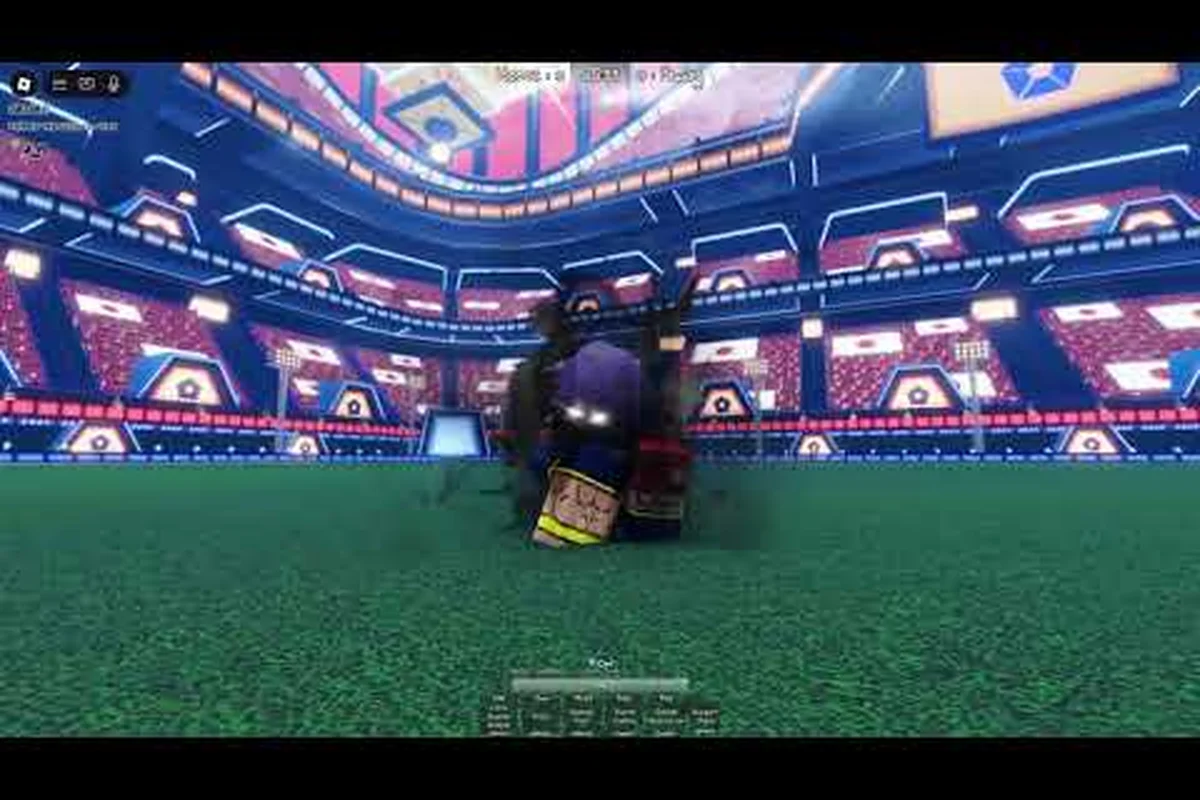
The Azure Latch VFX recolor system is one of a small family of cosmetic passes that change how your goals look and sound rather than how you play. VFX Recolor, Custom Goal SFX, Custom Dribbling Sound, Awakening Outfits and Dub Voices are all part of the same twelve-pass list, and they share a common trait: each one is a one-time unlock that adds a layer of personalisation to cosmetics you already own. This guide covers what each pass relates to, how the emote and MVP slots fit around them, and how to build a coordinated loadout without inventing effects the game does not publish.
What the VFX Recolor Gamepass Actually Changes
Recolor is a cosmetic pass in the twelve-pass list, and its name describes its job precisely: it lets you recolour the visual effects that play on screen. The relevant effect family is the goal effect, which comes in four published grades — Mythic, Legendary, Rare and Common — and fires when the ball hits the net.
What "Recolor" Applies To
The safest way to describe the pass is by category rather than by claiming a specific technical implementation. Recolor is a visual pass tied to your effect cosmetics, so it is only worth buying if you have goal effects you want to restyle. A player who owns no goal effects gets nothing from it, which makes it a second-wave purchase rather than a first one.
| Pass | Category | Relates to |
|---|---|---|
| VFX Recolor | Cosmetic | Goal effect visuals |
| Custom Goal SFX | Cosmetic | Goal audio |
| Custom Dribbling Sound | Cosmetic | Dribble audio |
| Awakening Outfits | Cosmetic | Awakening outfit looks |
| Dub Voices | Cosmetic | Style voice packs |
Where It Sits in the Menu
The cosmetic passes are grouped together in the cosmetics area of the menu rather than scattered through settings. If you cannot find a pass's options, the likely reason is that you do not own it yet, because the game only exposes some customisation once the relevant pass is active. That is a common trip-up for new players who expect every slot to be visible from the start.
| Own the pass? | Menu behaviour |
|---|---|
| Yes | Options for that cosmetic layer appear |
| No | Options may not be exposed |
Custom Goal SFX and Audio Overrides
Audio is the other half of the cosmetic layer, and Azure Latch separates it into distinct passes rather than bundling everything into one. The relevant names are Custom Goal SFX for the sound that plays on a goal and Custom Dribbling Sound for the sound tied to dribbling.
The Three Audio Passes
Three passes touch sound: Custom Goal SFX, Custom Dribbling Sound and Dub Voices. Each governs a different part of a match, so a player who cares about audio has to decide which moment matters most — the goal, the dribble, or the character's voice lines.
| Pass | What you hear | When it plays |
|---|---|---|
| Custom Goal SFX | Your goal sound | On a goal |
| Custom Dribbling Sound | Your dribble audio | While dribbling |
| Dub Voices | Style voice packs | During Style animations and callouts |
What the Audio Passes Do and Do Not Do
What is published is the existence of the passes and their categories. What is not published is a library size, an upload specification or a bitrate threshold for any of them, so treat any guide quoting "forty built-in clips" or "320 kbps uploads" as inventing a spec sheet. The honest position is that these passes let you customise the named audio moments, and the details are visible in the game once you own them.
| Claim | Status |
|---|---|
| Pass exists for goal audio | Documented as Custom Goal SFX |
| Pass exists for dribble audio | Documented as Custom Dribbling Sound |
| Specific clip counts or bitrates | Not published |
| Separate "sound designer" pass | Not in the twelve-pass list |
Awakening Outfits and Style Locking
Awakening Outfits is the pass that covers how a Style looks when it awakens. In Azure Latch every Style carries five numbered moves, a special and a Flow awakening, and the awakening is the cutscene moment the whole kit builds toward. The Awakening Outfits pass exists to change how that moment looks.
Outfit Sources
Because there is no published catalogue of awakening outfits with rarity tiers and drop rates, the useful framing is by source rather than by item. Outfits arrive through the pass that governs them, and the cosmetics that pair with them — goal effects, jerseys and emotes — come from their own routes.
| Cosmetic | Source |
|---|---|
| Awakening outfits | Awakening Outfits pass |
| Goal effects | Spins and shop, four grades |
| Jerseys | Jersey Selection pass and team sets |
| Emotes | Random emote at 250 Cash, codes |
The practical advice is to treat Awakening Outfits as a completionist purchase. It changes a moment that appears once or twice a match, so it appeals most to players who already have their goals and jerseys settled and want the last visual layer.
Dub Voices and Voice Packs
Dub Voices is the pass that adds voice packs to Styles, and it is the one audio pass that ties directly to the Style you are playing rather than to an event. Because Azure Latch is built on a licensed theme and is explicit that it is not an officially endorsed product, the voice work is part of the game's own characterisation rather than a claim of anything more.
Voice Pack Basics
The important structural point is that a voice pack belongs to a Style. That means the value of the pass depends on how many Styles you actually play: a player who swaps between several Styles gets more variety out of it than a one-trick player, even though the unlock is the same.
| Question | Published answer |
|---|---|
| Which pass adds voices? | Dub Voices |
| Tied to a Style or the account? | Tied to Styles |
| Number of packs per Style | Not published |
| Availability of English packs | Not published |
Equipping Emotes, MVP Animations and Recolor
The emote wheel and the MVP slot are the two cosmetics you actually use during a match, and they interact with the passes above. The wheel starts with four slots, and the Extra Emote Slots and Extra Emote Pages passes raise the capacity; a random emote costs 250 Cash, and a random MVP animation roll costs 5,000 Cash, with VIP unlocking its own MVP animation.
| Cosmetic | Capacity or price |
|---|---|
| Emote wheel default | 4 slots |
| Emote wheel expanded | Via Extra Emote Slots and Extra Emote Pages |
| Random emote | 250 Cash |
| MVP animation roll | 5,000 Cash |
Step-by-Step Equip Workflow
The cleanest order is to settle the slots that are seen most often first, then finish with the audio and visual passes. A random emote costs 250 Cash, an MVP animation roll costs 5,000 and a chat title costs 10,000.
| Step | Action |
|---|---|
| 1 | Open Cosmetics and pick your emote set (four by default) |
| 2 | Choose an MVP animation from the ones you own |
| 3 | Set your jersey if you own Jersey Selection |
| 4 | Apply your VFX recolor and audio passes |
| 5 | Preview in a lobby, then queue |
Loadout Sync Tips
A common frustration is buying a cosmetic that looks wrong with the rest of the loadout. The pairing rule that always holds is palette first: a goal effect and a jersey that share a colour read as intentional, while clashing colours read as accidental. Because the game does not publish aesthetic ratings for individual items, colour agreement is the only reliable criterion you can apply yourself. The goal effect rarity guide covers the grades and the jersey sets in more detail.
Recolor Combinations and Colour Choices
Community creators post recolor showcases constantly, and the honest way to use them is as inspiration rather than as evidence. A preset name invented for a video is not a game item, and the pass itself is what lets you build the look, not any specific named combination.
Choosing a Palette
Three principles survive contact with a real match. Keep the goal effect high-contrast so it reads while everyone is moving. Match the effect to the jersey so the loadout looks coordinated. And remember that MVP animations only play when you win the MVP vote, so do not build a palette around an animation you see rarely.
| Principle | Why |
|---|---|
| Contrast | Effects are seen at match speed |
| Jersey match | Largest visible surface sets the palette |
| MVP realism | Animations appear only on MVP wins |
One final note on value. Because every one of these passes is a one-time unlock, the cost is paid once and the benefit lasts as long as you keep playing. That makes the pass family unusually forgiving compared with consumable purchases: there is no upkeep, no rotation and no expiry. The flip side is that a pass only pays off if you own the underlying cosmetic it modifies, so the correct sequence is always cosmetic first and pass second. A player who buys a recolour pass before owning a single goal effect has bought a tool with nothing to use it on, and that is the most common ordering mistake in this part of the shop.
Frequently Asked Questions
What does the Azure Latch VFX Recolor pass do?
It is a cosmetic pass that recolours your effect visuals, so its value depends on owning goal effects to restyle. The game lists it alongside Custom Goal SFX, Custom Dribbling Sound, Awakening Outfits and Dub Voices in the twelve-pass set.
Can I upload my own goal sound?
Custom Goal SFX is the documented pass for goal audio and Custom Dribbling Sound covers dribble audio. Specific upload specifications such as clip counts or bitrates are not published, so treat any quoted numbers as unverified. The published material does not add any further condition.
How many emote slots do I have?
The emote wheel starts with four slots. Extra Emote Slots and Extra Emote Pages are the passes that expand that capacity, and a random emote costs 250 Cash. That is the whole documented rule for this point. No additional exceptions are documented by the developer.
How much is an MVP animation?
A random MVP animation roll costs 5,000 Cash, and VIP unlocks its own exclusive MVP animation. The published material does not add any further condition. That is the whole documented rule for this point. No additional exceptions are documented by the developer.
Do voice packs work for every Style?
Dub Voices adds voice packs tied to Styles rather than to the account, so a player who switches between multiple Styles gets the most variety. The number of packs per Style is not published. The published material does not add any further condition.